
01Client portal
3PL Client Portal: What to Show
The screens, actions and permissions a fulfillment client portal needs, ordered by how many client questions each one answers.
Fulfillment 3PLs
Your clients want to see orders and stock, your team wants fewer touches, and your retail customers want clean EDI. This site walks through each need.
Fulfillment work is high volume and low margin. Every extra touch costs money, every missed ship date costs a client. Software for this kind of 3PL has to handle orders from many storefronts, keep clients informed without phone calls, and exchange EDI messages with retailers.
We break that down into portals, billing, EDI and integrations, and for each one we describe what good looks like and what to ask a vendor.
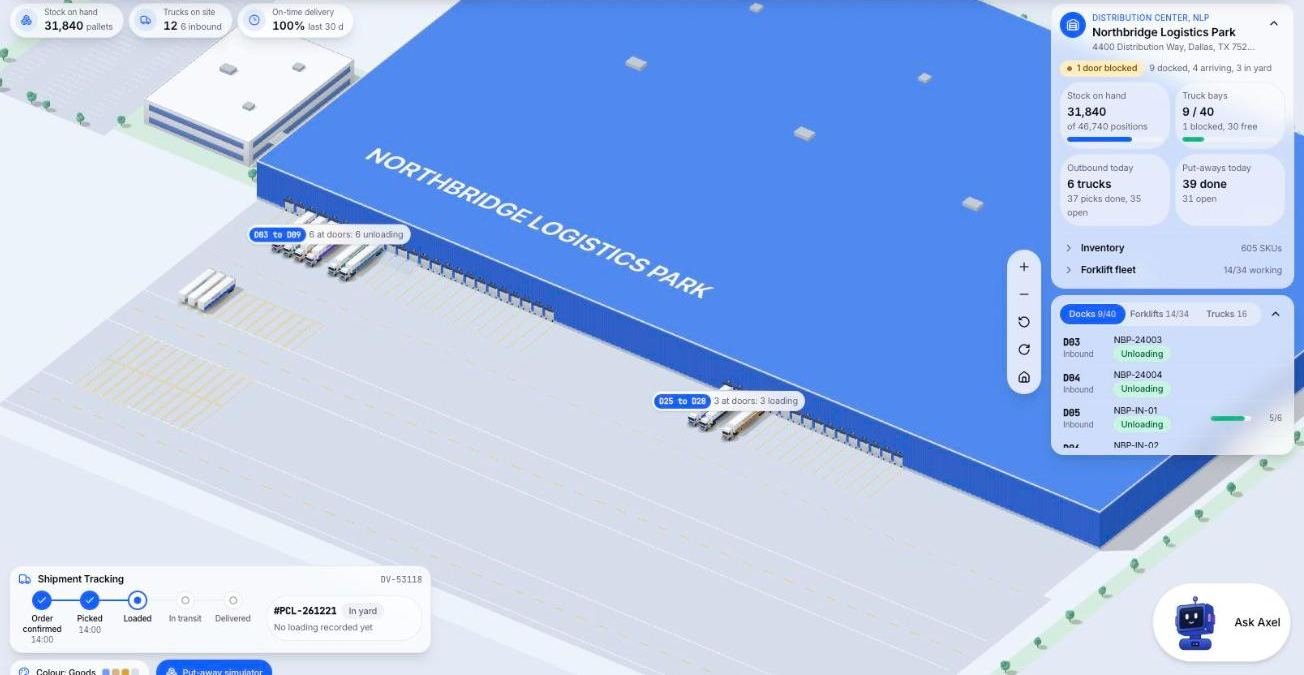
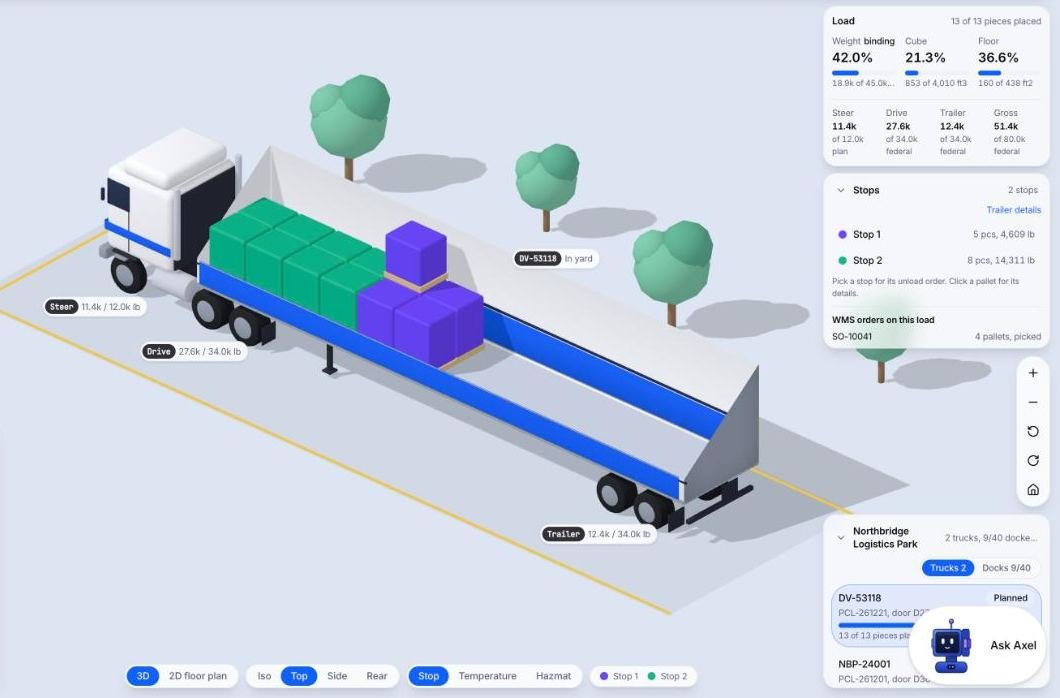
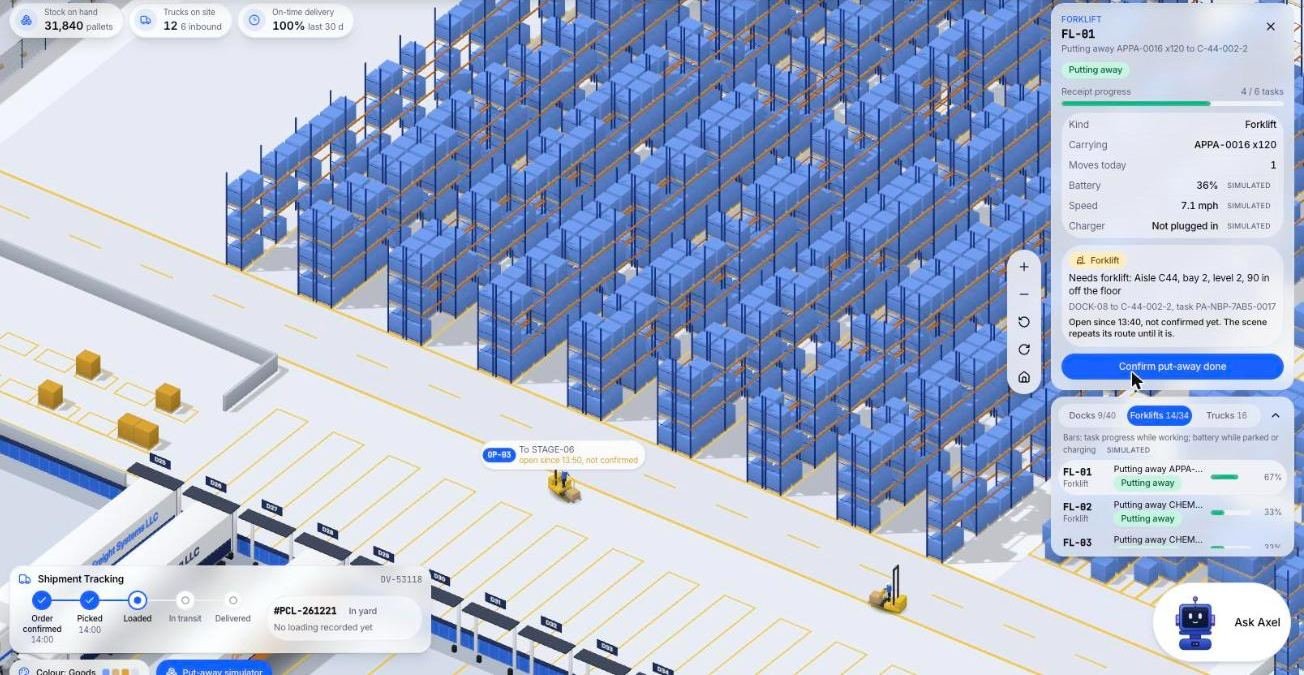
Orders leave a fulfillment building on trucks, so here are three screens from the Microsive demo platform, all demo data. One shows trailers at dock doors, one a planned trailer load, and one a selected forklift and its task.
01Client portal
The screens, actions and permissions a fulfillment client portal needs, ordered by how many client questions each one answers.
02EDI
What EDI is, which messages a fulfillment 3PL usually exchanges for retail customers, and what to settle before you promise EDI to a client.
03Requirements
Follow one order through your building to list what fulfillment software must do to start and what can wait, then test it with a demo script.
04Fulfillment fees
The pieces of a per order fulfillment fee, a hypothetical order priced line by line, and how to show those lines on a client invoice.